
How to Translate Streams into Other Languages

The text of the Streams website can be translated into several languages. (To learn how to translate videos on Streams, please go here.)
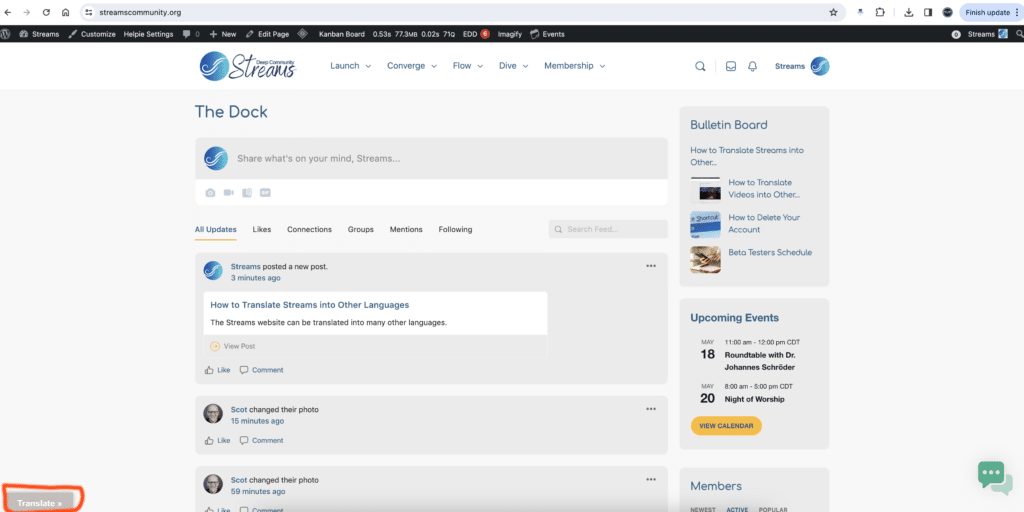
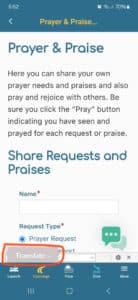
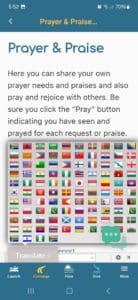
- Click on the Translation button which is located in the lower left corner of the website and app. (NOTE: Only certain pages of the mobile app can be translated. Thus, only those pages which will show the Translation button.)
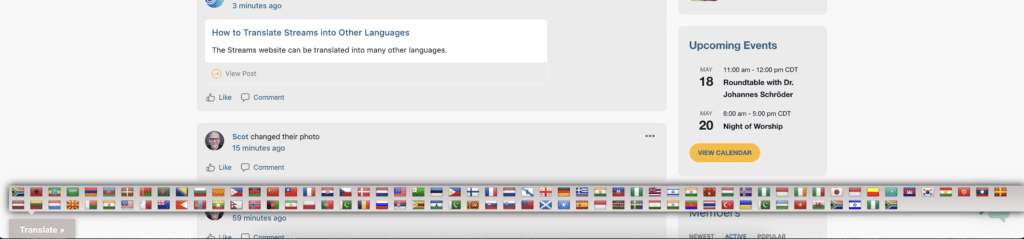
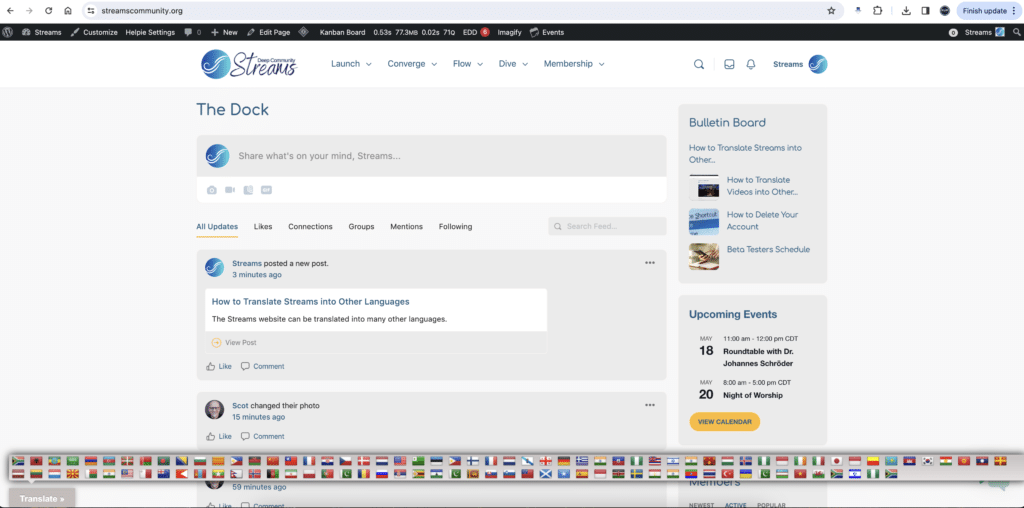
2. Locate the flag for your country and select it. The site should automatically change into your language of choice.
Please contact us if you have any questions.
Responses